How it works
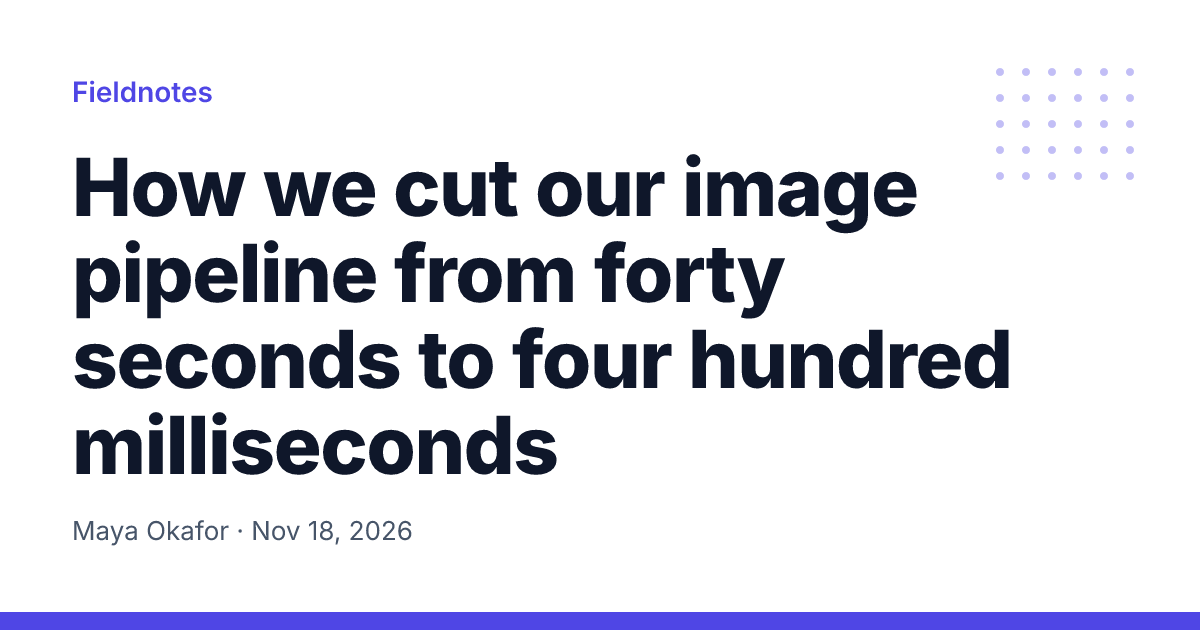
Each design is drawn on your device at exactly 1200 × 630 pixels, by the same engine Hyper Elements runs on a server: @hyper-elements/react/image. Your headline, photo and logo never leave the page. The PNG and JPG files are made in your browser too.
The headline is measured with its font before anything is drawn. It's drawn at the largest size whose lines fit the design, so a short headline is large and a long one steps down. When it can't fit at the smallest size, the tool tells you how much to cut, rather than cutting it off.
What is an Open Graph image?
An Open Graph image is the picture a link shows when someone shares it: in a post on X, Facebook or LinkedIn, and in Slack, Discord, iMessage and WhatsApp. A page names it in its og:image meta tag. A link with an image and a clear headline takes up more of the feed than a bare URL, and gets more clicks.
Blogs, newsletters, docs and changelogs usually give each page its own image, with the page's title, the site's name or logo, and often the author and the date.
How to make an Open Graph image
- Pick a design. Six designs, each 1200 × 630. Your text and pictures carry over when you switch.
- Type your headline. It's drawn at the largest size that fits, and steps down as it gets longer. Leave any other field empty to leave it out.
- Add a photo and a logo. Pick files from your device. They're read in your browser and never uploaded.
- Check the previews. See the image as X, Facebook and LinkedIn show a link, and the square X crops it to for a small card.
- Download it. A PNG for flat designs, a JPG for photos. Put it on your site and name its full URL in og:image.
Then check the link with each network's own tool: Facebook's Sharing Debugger and LinkedIn's Post Inspector read the page again and show what they'll use.
Open Graph image size and meta tags
Use 1200 × 630 pixels (1.91 : 1). The large previews on X, Facebook and LinkedIn are that shape, and a smaller image can be shown as a small thumbnail instead. Keep the file under 5 MB: JPG for photos, PNG for flat colors and text.
X's small card crops the middle square of the image. Keep what matters away from the left and right edges: turn on Show X's square crop above to see it.
| Meta tag | Value |
|---|---|
og:image | The image's full URL, starting with https:// |
og:image:width | 1200 |
og:image:height | 630 |
og:image:alt | What the image shows, for screen readers |
og:title | The page's title, which the networks show with the image |
twitter:card | summary_large_image, for X's large card |
The networks read only a full URL: https://example.com/og/post.png, not /og/post.png. They also keep a copy of each preview, so give a changed image a new file name.
Questions
Is this Open Graph image generator free?
Yes. There's no account, no watermark and no limit on how many images you make. The designs are open source under the MIT license, so you can also use them in your own code.
Do you upload my photo or logo?
No. The image is drawn in your browser by Hyper Elements, the same engine you can run on a server. Your headline, photo and logo stay on your device, and the PNG and JPG files are made there too. Nothing you type or pick is sent anywhere.
What size should an Open Graph image be?
1200 × 630 pixels, a ratio of 1.91 to 1. X, Facebook, LinkedIn, Slack and most other apps show an image that size as a large preview. Every design here is exactly that size.
Which meta tags does a page need?
og:image with the image's full URL (starting with https://), og:image:width and og:image:height (1200 and 630), og:image:alt with a short description, og:title, and twitter:card set to summary_large_image so X shows the large card. X reads og:image when there's no twitter:image.
PNG or JPG?
JPG for a design with a photo: the file is much smaller. PNG for flat colors and text, where it stays sharp and small. Both work everywhere.
What happens when my headline is long?
Each design draws the headline at the largest size that fits its lines, and steps down as it gets longer. If it can't fit even at the smallest size, the tool says how many characters to cut, instead of cutting it off.
Why does my link still show the old image?
Networks keep a copy of each link's preview. Publish the new image under a new file name and update og:image, then ask the network to read the page again: Facebook's Sharing Debugger, LinkedIn's Post Inspector, or post the link again on X.
Can I make an image for every post automatically?
Yes. Each design is a Hyper Elements template: a React component with typed fields. Copy it into your project, then draw one image per post in a Next.js opengraph-image route, a build script, or with the hyper-elements command. It's free and runs on your own server.
Can I change a design or use my own fonts?
Yes, in the code. A design is plain JSX: change its layout, colors or fonts, and the template still checks that the headline fits and that every character has a font before it draws.